Getting Started
What is Northbeams
Last updated 2026-07-13
Northbeams is the AI agent control plane. It catches the AI your team uses, lets you govern it, and produces the evidence your auditor asks for.
Where Northbeams sees AI
Northbeams catches AI activity on four surfaces:
- Browser. A Chrome extension classifies prompts in the page, on the device.
- Desktop. The Northbeams app for Mac and PC watches outbound connections and process names.
- CLI. The same desktop app sees coding agents and CLI tools running on developer laptops.
- MCP. The desktop app sits in the path between coding agents and their MCP servers, classifies arguments on-device, and enforces allow, warn, or block per tool.
One platform, four surfaces, one dashboard.
Finding your way around
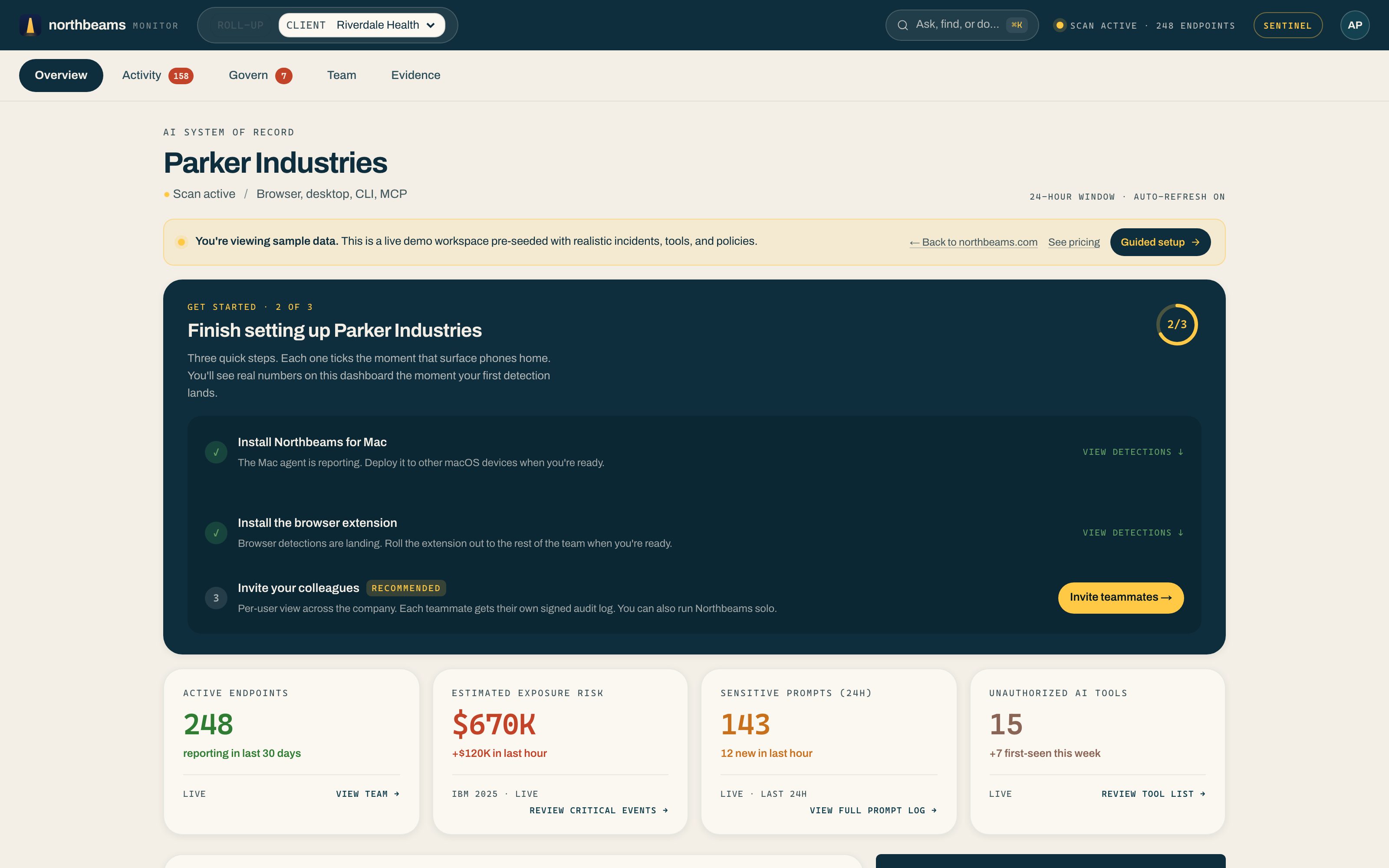
The dashboard has five tabs across the top:
- Overview. The day's headline numbers and what needs your attention.
- Activity. The live feed, incidents, per-person lineage, and device fleet.
- Govern. The decision queue, policies, your AI tool inventory, and the MCP Gateway.
- Team. Per-employee attribution and LLM usage.
- Evidence. Compliance frameworks, signed Evidence Packs, and the Trust dashboard.
Account chrome (Settings, billing, and your profile) lives under your avatar in the top-right corner, or press ⌘K to jump anywhere.
Two products, one platform
- Northbeams Sentinel is the SecOps product: real-time discovery, per-user attribution, and blocking across all four surfaces.
- Northbeams Evidence is the compliance deliverable: signed Evidence Packs for the EU AI Act, ISO 42001, NIST AI RMF, and SOC 2. It is bundled into Sentinel, so the pack has data to cite from day one.